What’s new
Everything we’ve shipped in Kubrick, newest first, with what it does and where to find it in the app.
-
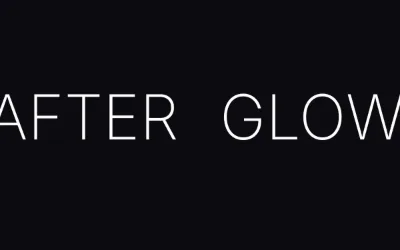
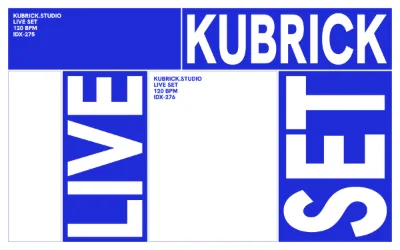
Big Type: one poster headline, pushed right to the edge
The Big Type rig fits a headline edge to edge by the shape of its actual letters, then pushes it: cut off the frame, stretched tall, stacked a letter per row, split by a gap or run up the side.
-
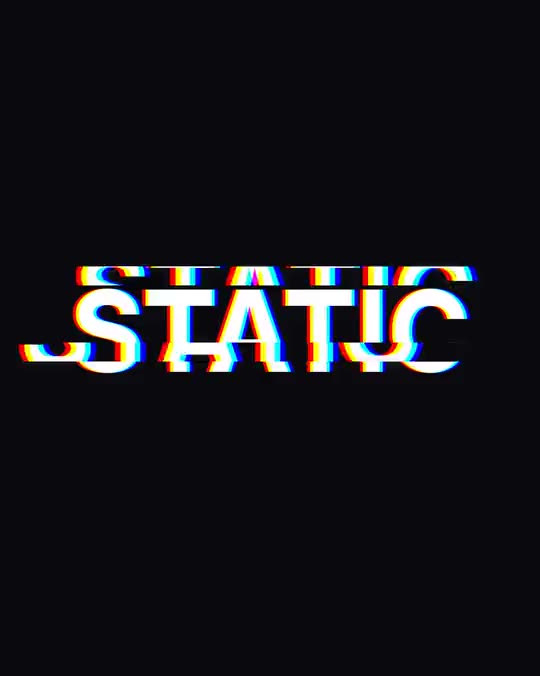
Captions that follow every word, sung or said
The Captions rig shows a transcript's words as they're sung or said, with karaoke, word pop, line rise and kinetic stack styles, text looks from neon to comic, and a full caption editor.
-
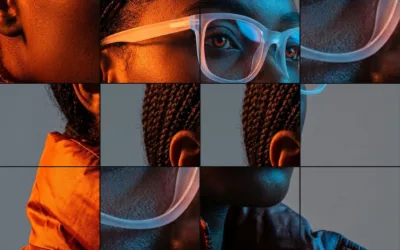
Split: chop one picture into pieces that each show it again
The Split rig cuts a single photo into pieces that each show the picture again at their own zoom: strips beside a big crop, a cut-out detail, bands, slipped slices, tiles and copies inside copies.
-
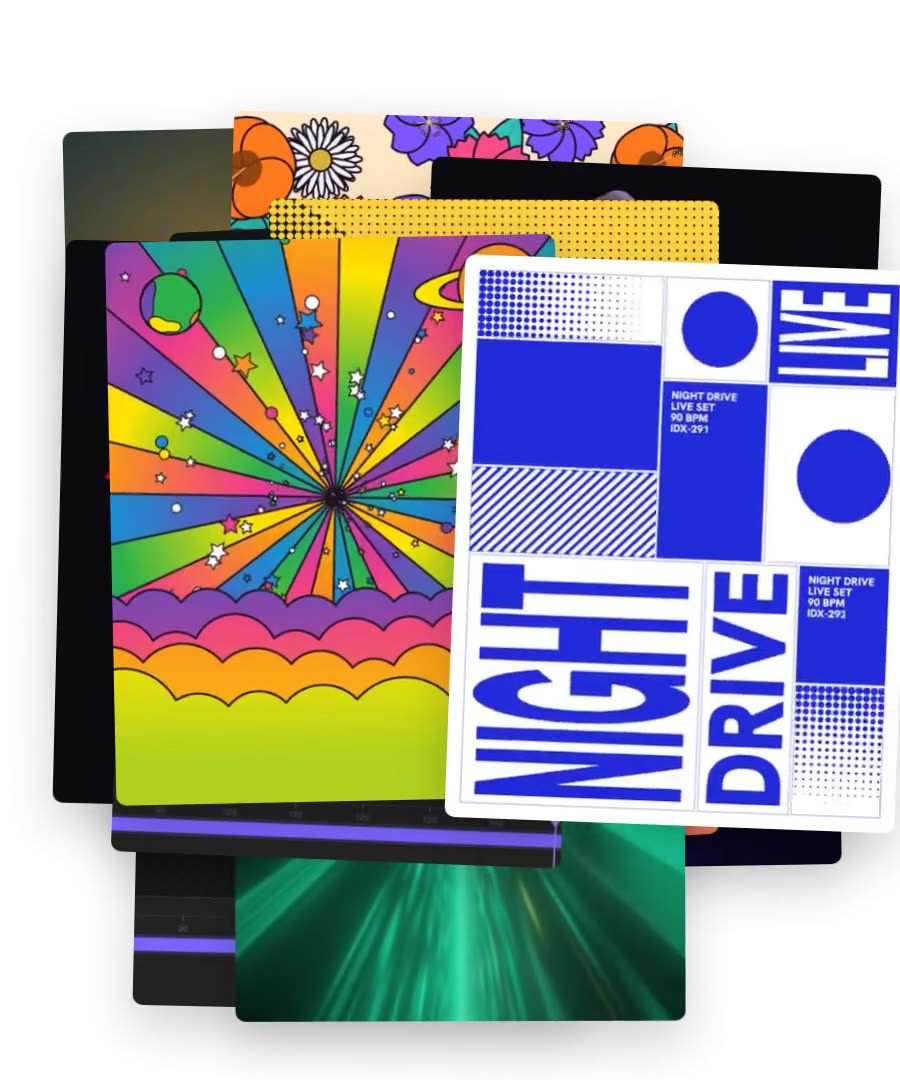
Stack: turn your photos, clips or any layers into cards that land on the beat
The Stack rig turns selected layers into cards that land one after another: a pile, a 3D deck, a carousel, a contact sheet, a slot reel and more, with arrivals, rhythms and exits.
-
Transcribe speech and song lyrics, word by word, on any clip
Kubrick transcribes the speech or the sung lyrics of any audio track or video clip with a time for every word. Click a word to jump there, or paste the real lyrics to correct it.
-
Export on your own computer: Render on this device
Kubrick can render your video in the browser on your own GPU instead of in the cloud. It now covers almost every layer, and shader-heavy projects finish in a fraction of the time.
-
Nebula: 140,000 particles that hold their breath until the drop
The Nebula rig simulates 140,000 particles on your GPU. A cold ring holds until the song's drop, then bursts into a warm nebula that kicks on every bar, with real rippling tracers.
-
Real video editing in the timeline: filmstrips, split, transitions and speed
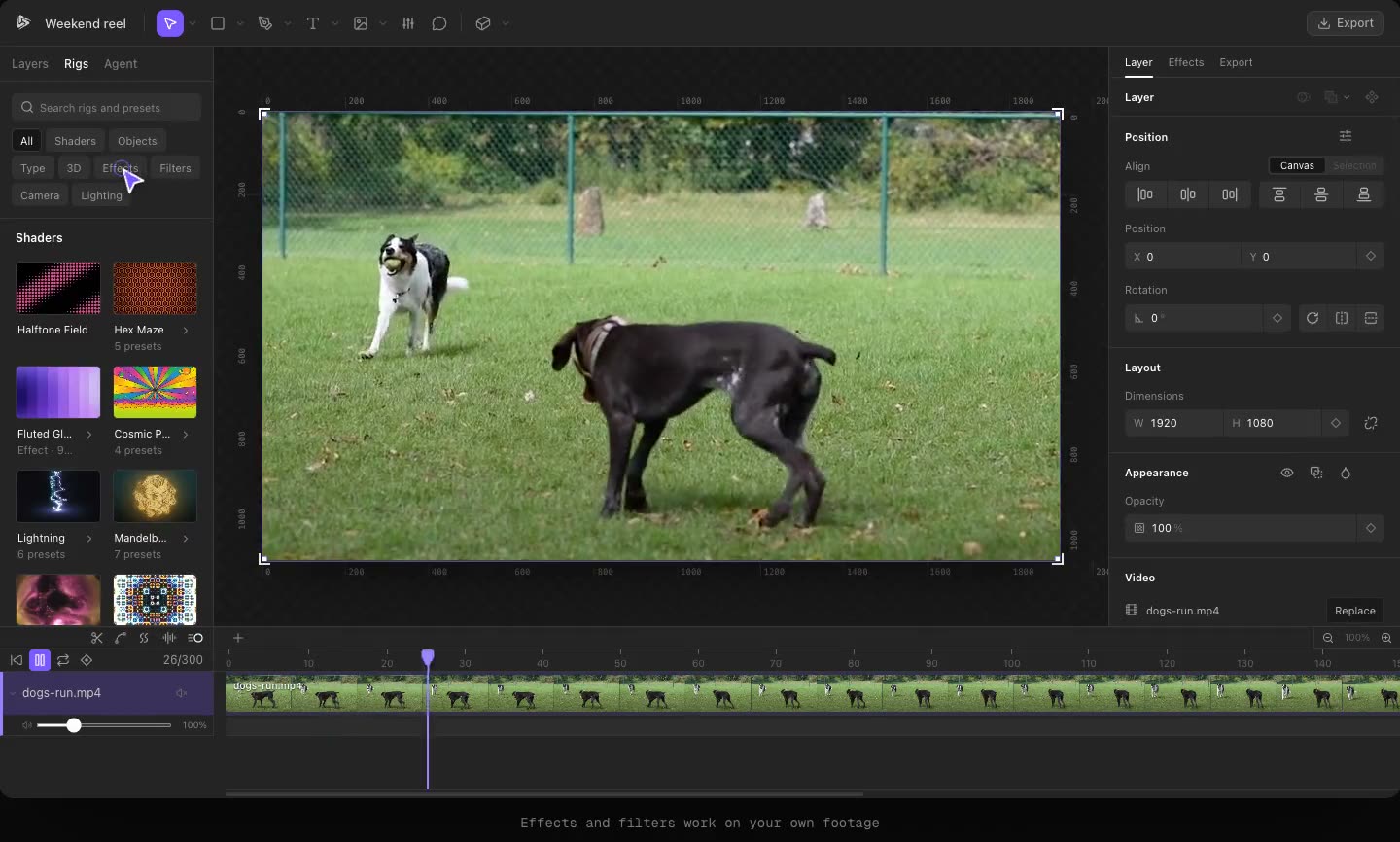
Kubrick's timeline now edits footage like a video editor: filmstrip clips, split at the playhead, crossfades and other transitions, 0.25x to 4x speed and one-click mute.
-
Bento: a grid of animated cards that can fill a whole poster
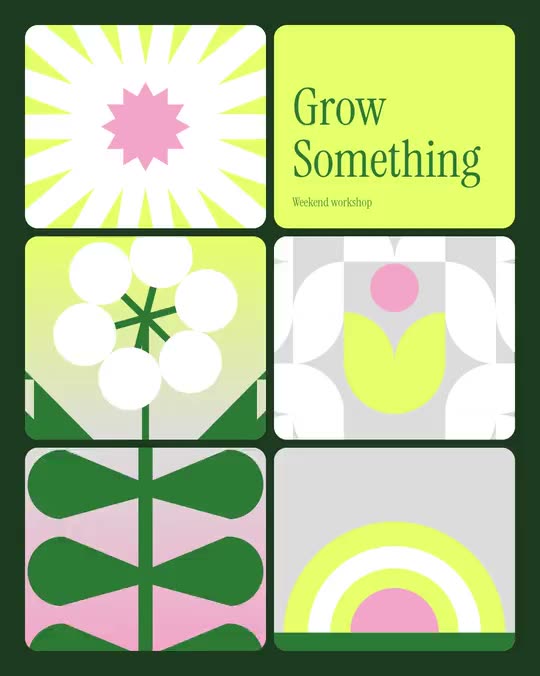
The Bento rig fills the frame with one to six rounded cards, each a looping flat flower, a headline, your photo or video, or your logo, that swap places and take the spotlight in turn.
-
Comments on the canvas, pinned to the exact frame
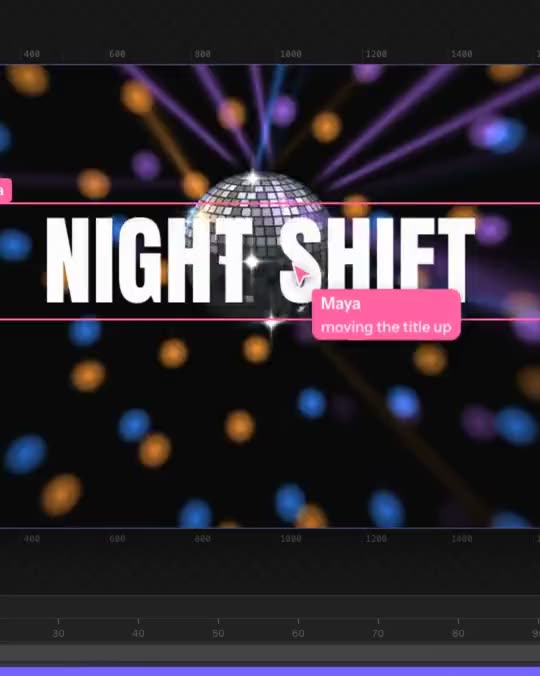
Kubrick's Comment tool pins notes to a spot or an area of the video at a specific frame, with threads, resolve and a list of every comment, and can hand them to the agent.
-
Make a Spotify Canvas that loops perfectly
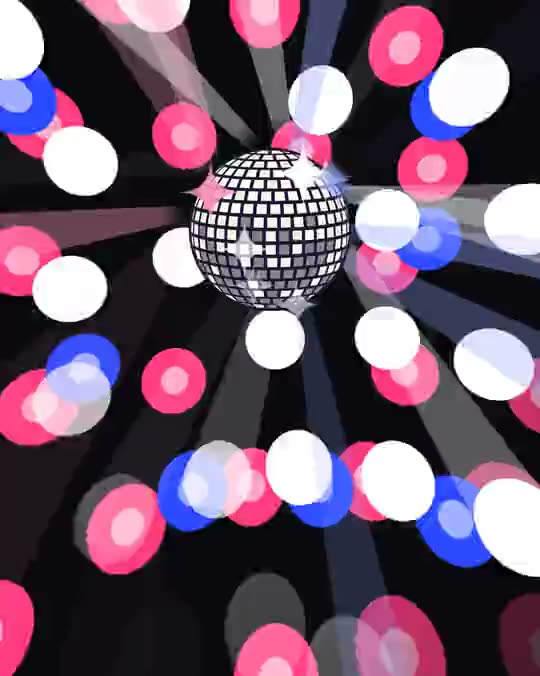
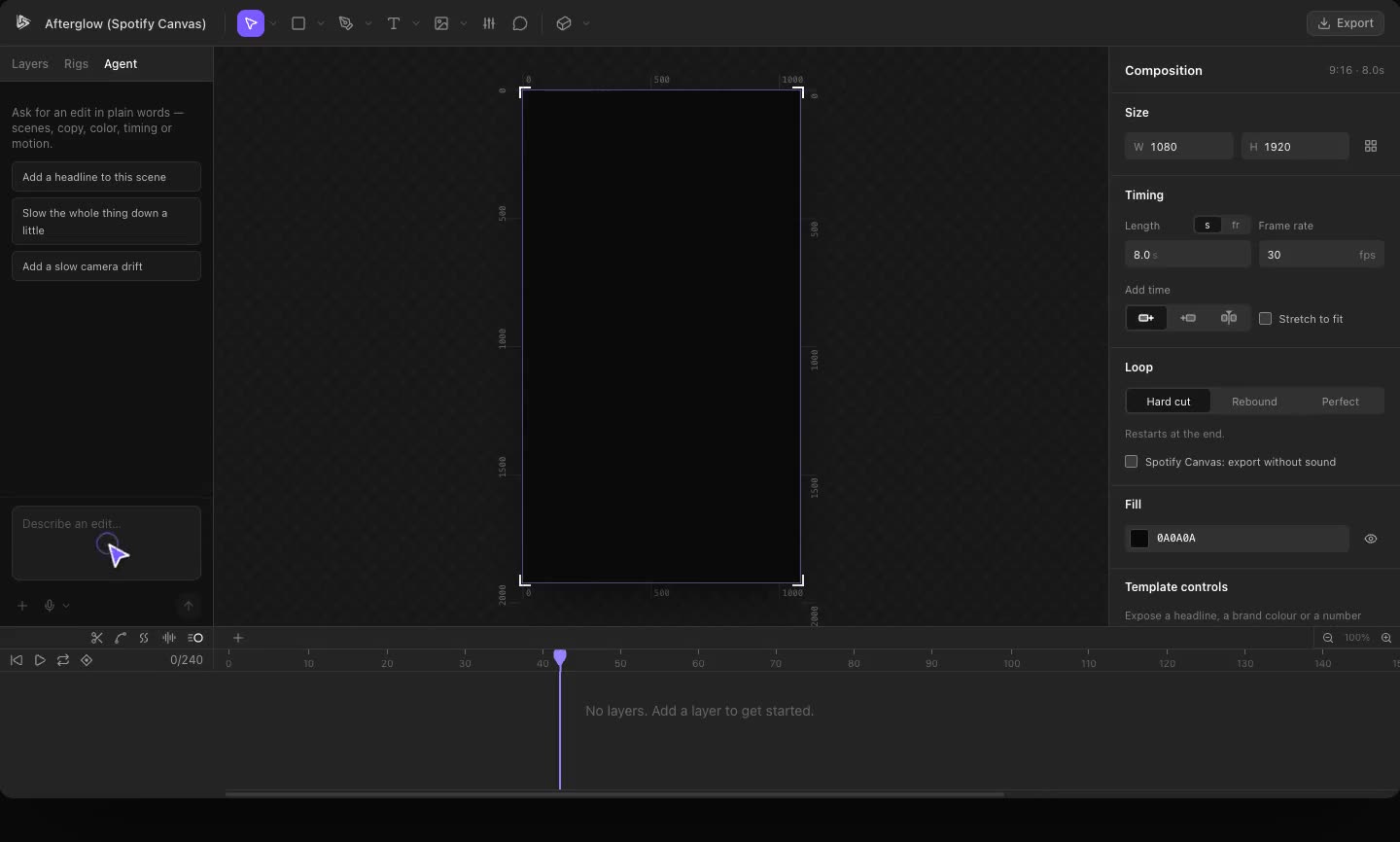
Kubrick's Spotify Canvas chip builds a 9:16 loop from your song, with Hard cut, Rebound and Perfect loop modes, and exports it without sound, ready to upload.
-
Invite people into a project and see where they're working, live
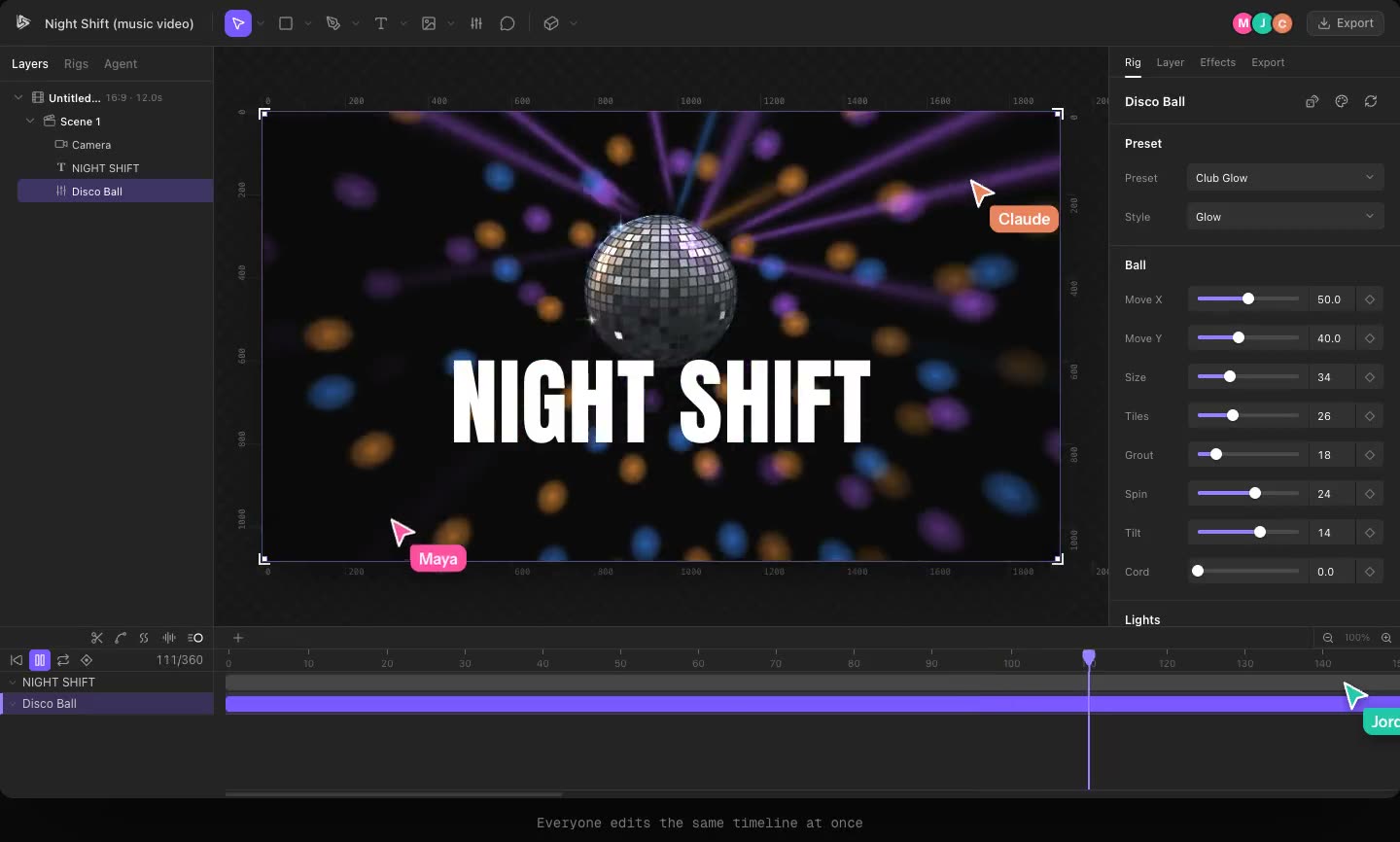
Share a Kubrick project by email or link, with edit or view-only access, and see collaborators' avatars, cursors and selections live in the editor.
-
Connect Claude, ChatGPT or Cursor to your Kubrick projects
Kubrick runs an MCP server at kubrick.studio/mcp, so the AI app you already use can create and edit your Kubrick projects, with sign-in and a Disconnect button.
-
Drop in a folder of clips and a song, get a beat-cut edit
Kubrick's footage edit takes a folder of video clips and a track, picks the best moments, cuts on the beat and hands you an editable timeline with rigs on top.
-
Track: computer-vision blob tracking over your footage
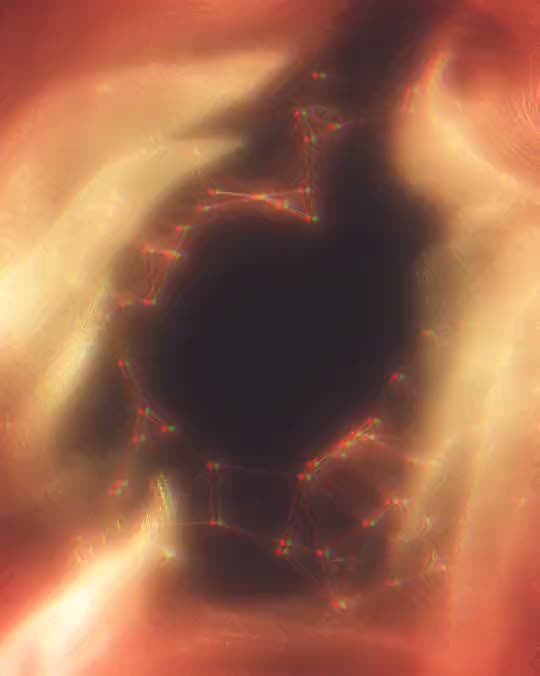
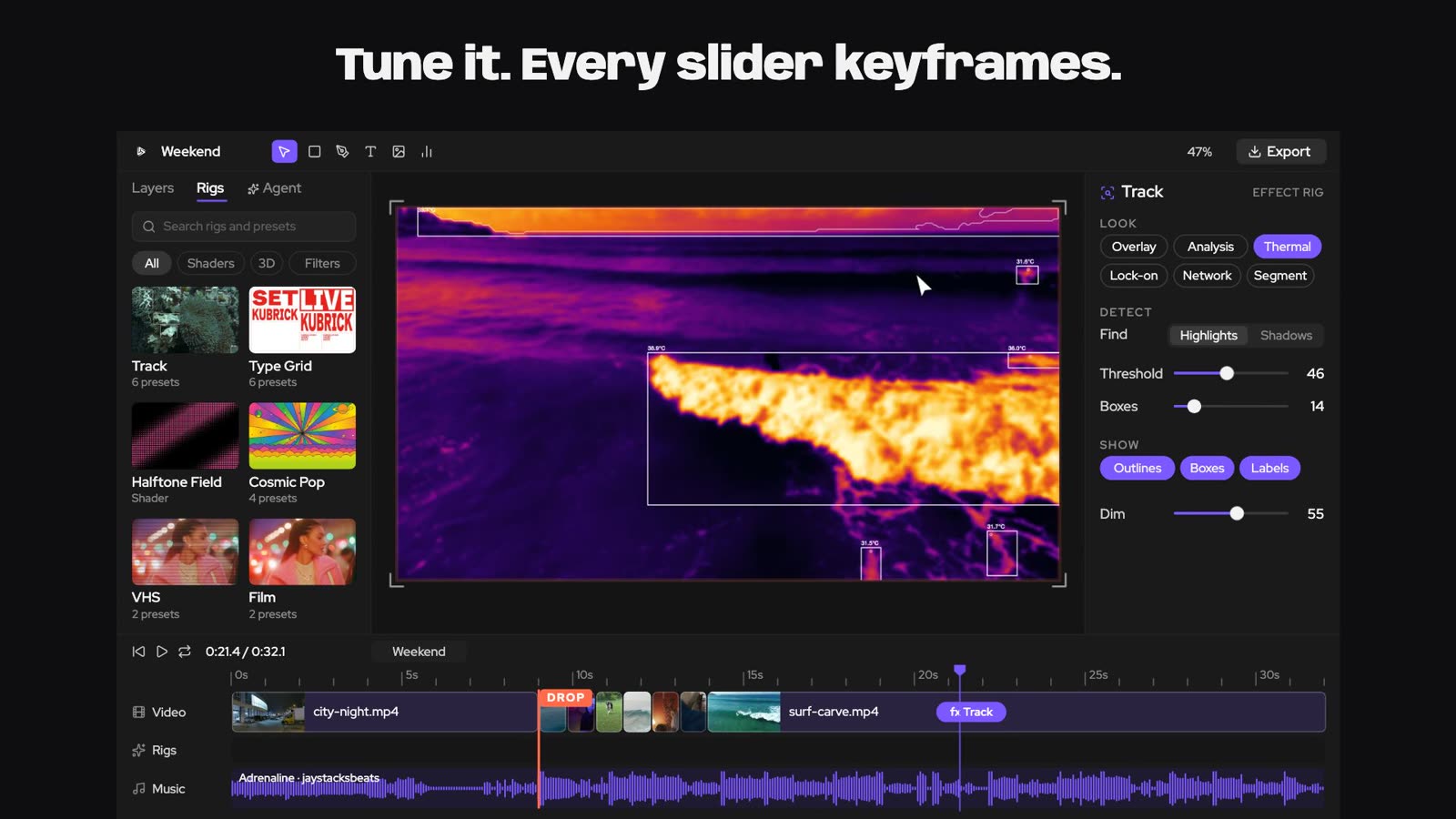
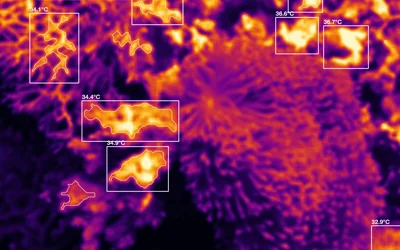
Kubrick's Track effect reads every frame of a clip and outlines what stands out, with detector boxes and sizes, for the tracked, analytical look from music videos and tech ads.
-
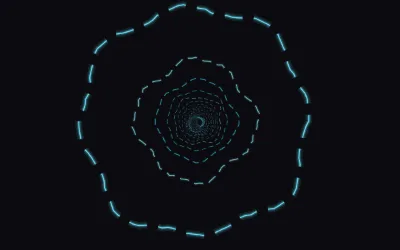
Put your logo inside a rig: tunnels, blooms and lava drawn as your mark
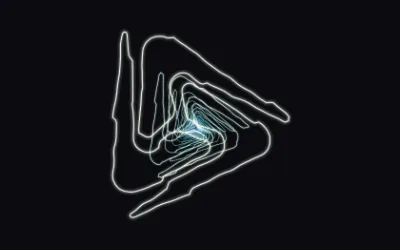
Upload a logo to a Kubrick rig and the rig draws with it, from a ring tunnel where every ring is your mark to lava that fills your logo.
-
Two dice on every rig: a whole new look, or just new colours
Every Kubrick rig now has two dice. Randomize rolls a drastically different look; Randomize colours keeps the look and tries a new palette.
-
Type Grid: your words as a Swiss poster that re-cuts on every beat
The Type Grid rig stretches your words into a Swiss-style poster grid that slides, splits and explodes in time with your song, in any shape from 9:16 to an LED strip.
-
Slow motion, freeze frames and speed ramps on any layer
Time remapping in Kubrick lets any layer play slower, faster, freeze on a frame or ramp its speed, including its keyframes, children and video.
-
Track mattes: cut any layer with another layer's shape or brightness
Kubrick's track mattes let one layer show only through another layer's alpha or brightness, the After Effects way, without grouping or losing timing.
-
Drop a song, get a music video that follows the drop
Music visuals in Kubrick takes a song, finds the beats, the build and the drop, and builds a vertical clip whose visuals move with the music. Re-roll it until you love it.
-
Animate on twos and threes for a hand-made, stop-motion feel
Kubrick's Animate on setting holds each pose for two or three frames, giving any layer the stepped, hand-drawn rhythm of classic animation and stop-motion.
-
Make any layer react to the kick, the bass or the vocals
React to audio links any layer or rig slider in Kubrick to a song or a single stem, with attack, release and threshold controls so it moves on the hits you care about.
-
Make it mine: put your brand on a whole template in one click
Make it mine re-skins every scene of a Kubrick template with your brand kit's colours, logo, name and font, instantly, and opens it as your own project.