Bento: a grid of animated cards that can fill a whole poster
The Bento rig fills the frame with one to six rounded cards, each a looping flat flower, a headline, your photo or video, or your logo, that swap places and take the spotlight in turn.
Bento grids are everywhere in product design: rounded cards of different sizes sharing a canvas. The Bento rig makes that layout move.
What's in a card
Each card holds one thing:
- a vignette: a flat, looping flower drawn in two or three tones, like a sunburst daisy, a dandelion of orbiting circles, or a Bauhaus tulip
- a text card: a headline fitted to the card in its real font, with a label under it
- a photo or video: your own picture or clip filling the card, as is or in a look: Duotone, Posterize, Halftone or Tint
- a logo card: your logo big on the accent colour
Any card can also carry a small logo stamp in the centre or a corner.
How they move
Pick a layout (a single card, a row, a column, a grid, or Feature with one big card and the rest beside it), then the motion:
- Still
- Spotlight: the featured role passes from card to card, and the card grows or takes the big slot
- Shuffle: two cards trade places each step
Hold and Move times set the rhythm. Pulse swells the shapes and is the knob to link to your music.
How to use it
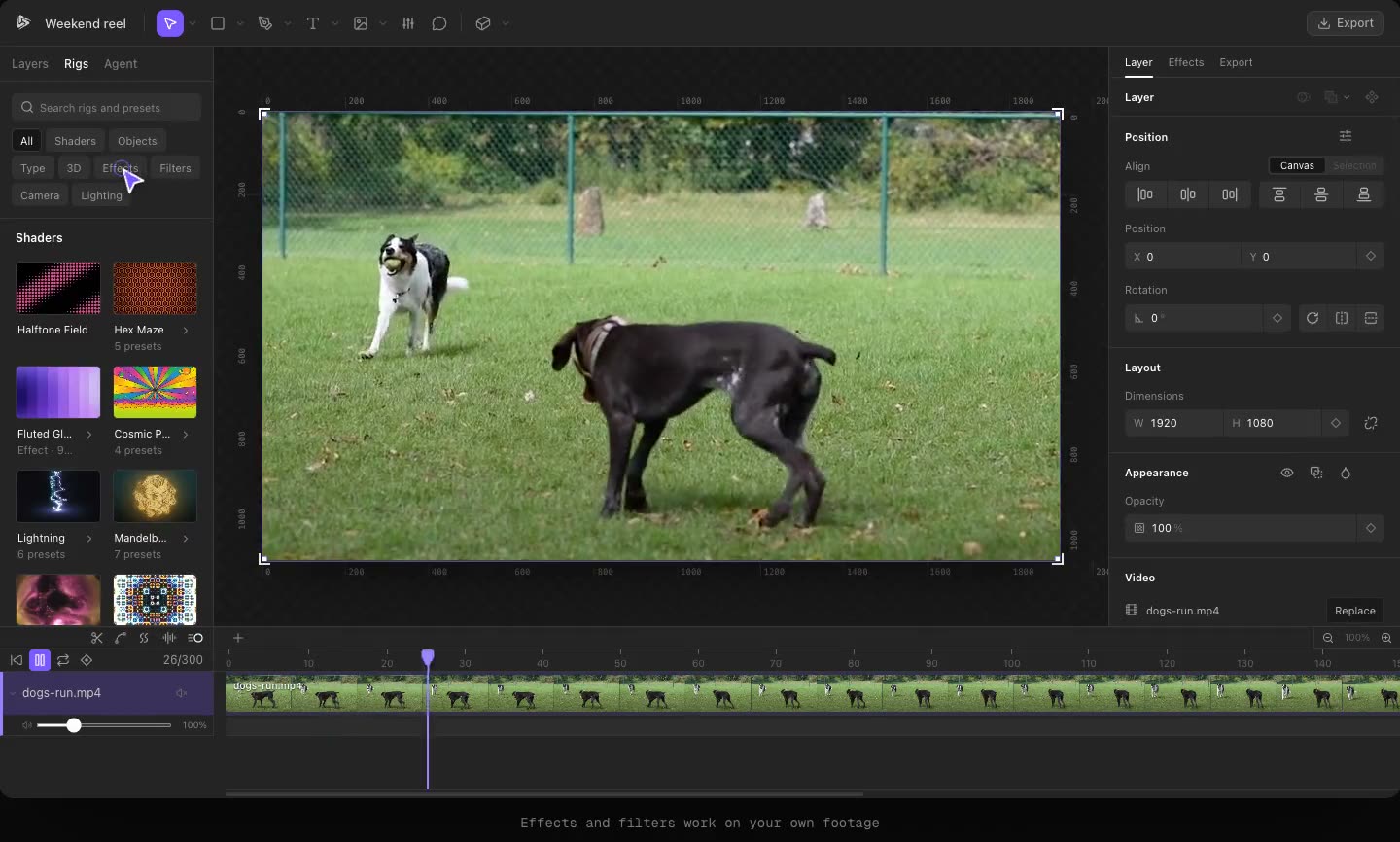
Open Rigs in the toolbar and add Bento (under Objects). Start from a preset like Garden Row, Single Card, Full Frame, Poster, Mosaic or Stack. Each card in the panel has its own upload buttons, look menu and text. The two dice roll new structures and colour sets but keep your own cards.
Ideas
- A 9:16 event poster: a big text card with the date, a photo of the venue, two flower cards for colour.
- A feature launch: four cards, each a screenshot, with Spotlight walking through them.
Try it in Kubrick
Start free trial