Connect Claude, ChatGPT or Cursor to your Kubrick projects
Kubrick runs an MCP server at kubrick.studio/mcp, so the AI app you already use can create and edit your Kubrick projects, with sign-in and a Disconnect button.
Kubrick has its own agent built in. But a lot of people already live in Claude, ChatGPT or Cursor, with their notes, their docs and their code in reach. Now those apps can work on your Kubrick projects directly.
How it works
Kubrick is an MCP server. MCP (Model Context Protocol) is the open standard AI apps use to connect to tools. Add Kubrick to your AI app as a connector with this address:
https://kubrick.studio/mcp
The first time, your app sends you to a Kubrick page where you sign in and see what the app is asking for: your projects, edits and renders. Press Allow and you're connected.
From then on you can ask your AI app things like "make a 15-second vertical teaser for our launch in my Kubrick account" or "in my Afterglow project, slow the intro and make the title bigger". It uses the same tools as Kubrick's own agent: it can create projects, add and change layers, keyframes and scenes, use templates, find stock video and music, and render a still frame to check its own work.
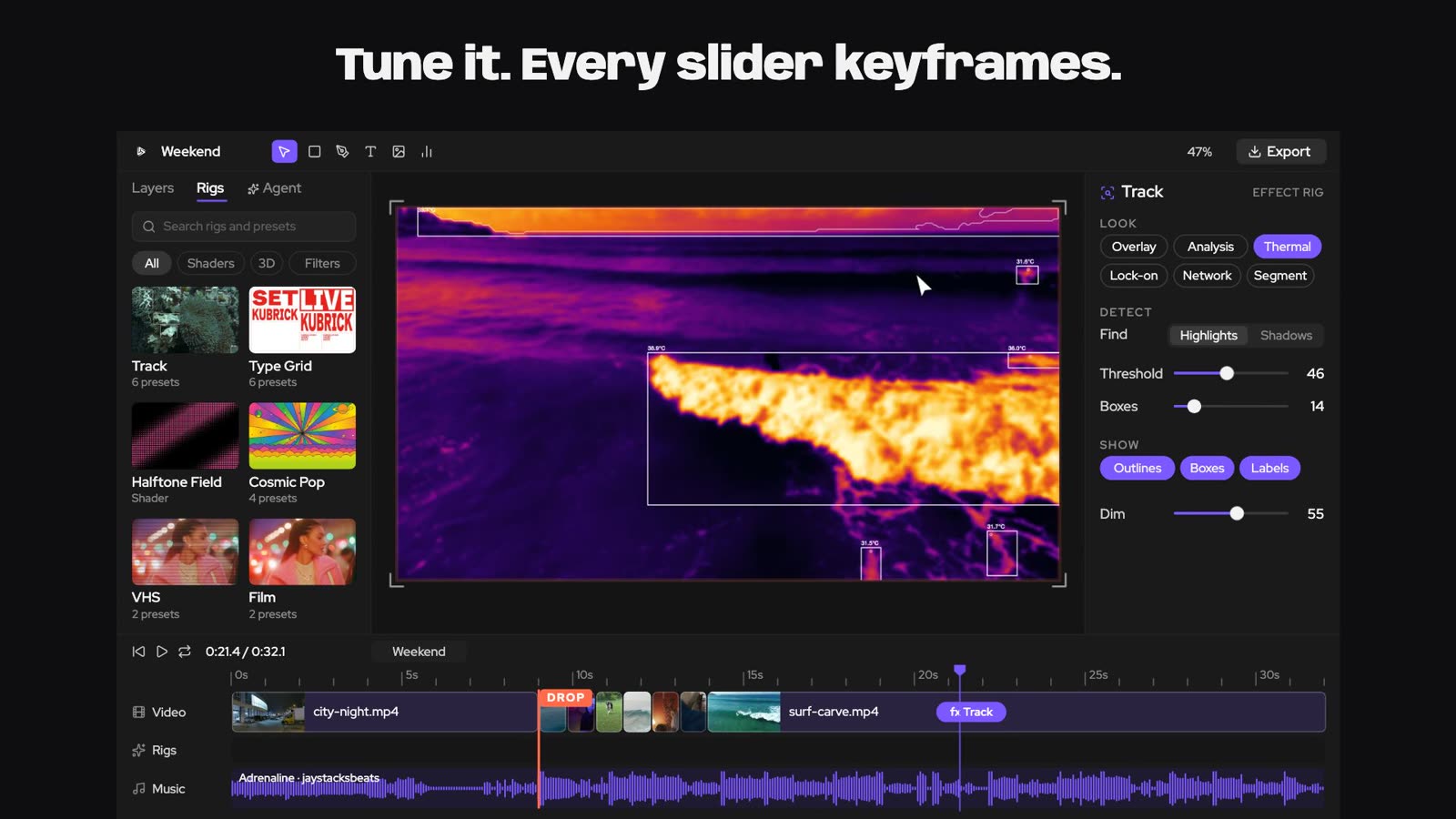
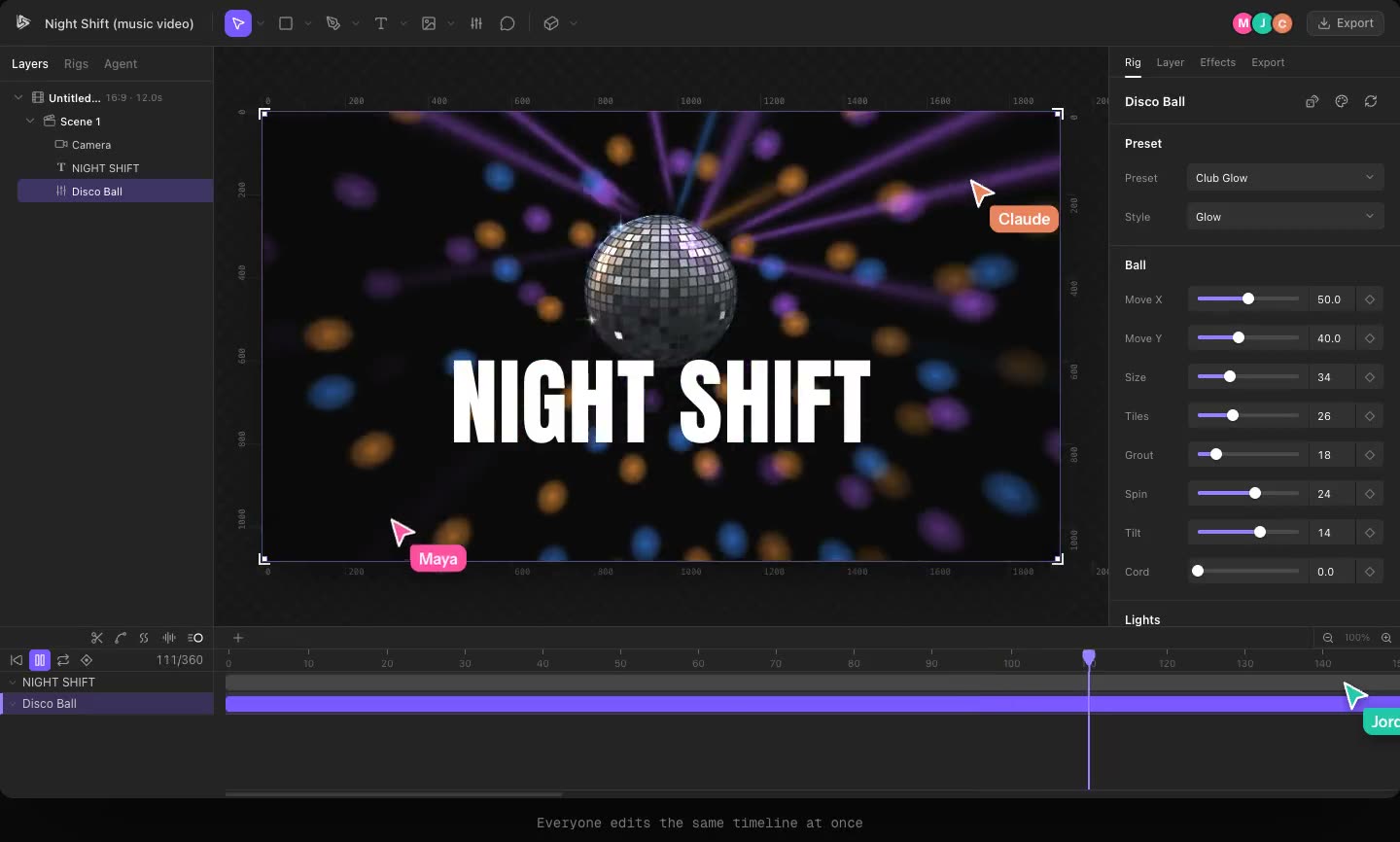
Everything it makes is a normal Kubrick project. Open it in the editor and every layer is there to change by hand.
Staying in control
In the app, Settings > Connected apps shows the address to copy, every app you've connected and when each was last used. Disconnect cuts an app off; a disconnected app stops working within about 30 seconds.
Projects other people have shared with you are visible to your connected app too, with the same access you have.
Why it matters
Your AI app knows your product, your launch notes and your copy. Kubrick knows motion. Connecting them means you can go from a doc to a video in one conversation, then finish it in the editor.
Try it in Kubrick
Start free trial