Make a Spotify Canvas that loops perfectly
Kubrick's Spotify Canvas chip builds a 9:16 loop from your song, with Hard cut, Rebound and Perfect loop modes, and exports it without sound, ready to upload.
A Spotify Canvas is the short vertical loop that plays behind a song in the Spotify app. It has its own rules: 9:16, 3 to 8 seconds, no sound (Spotify plays the song). And it loops forever, so a jump at the seam shows every few seconds.
How to make one
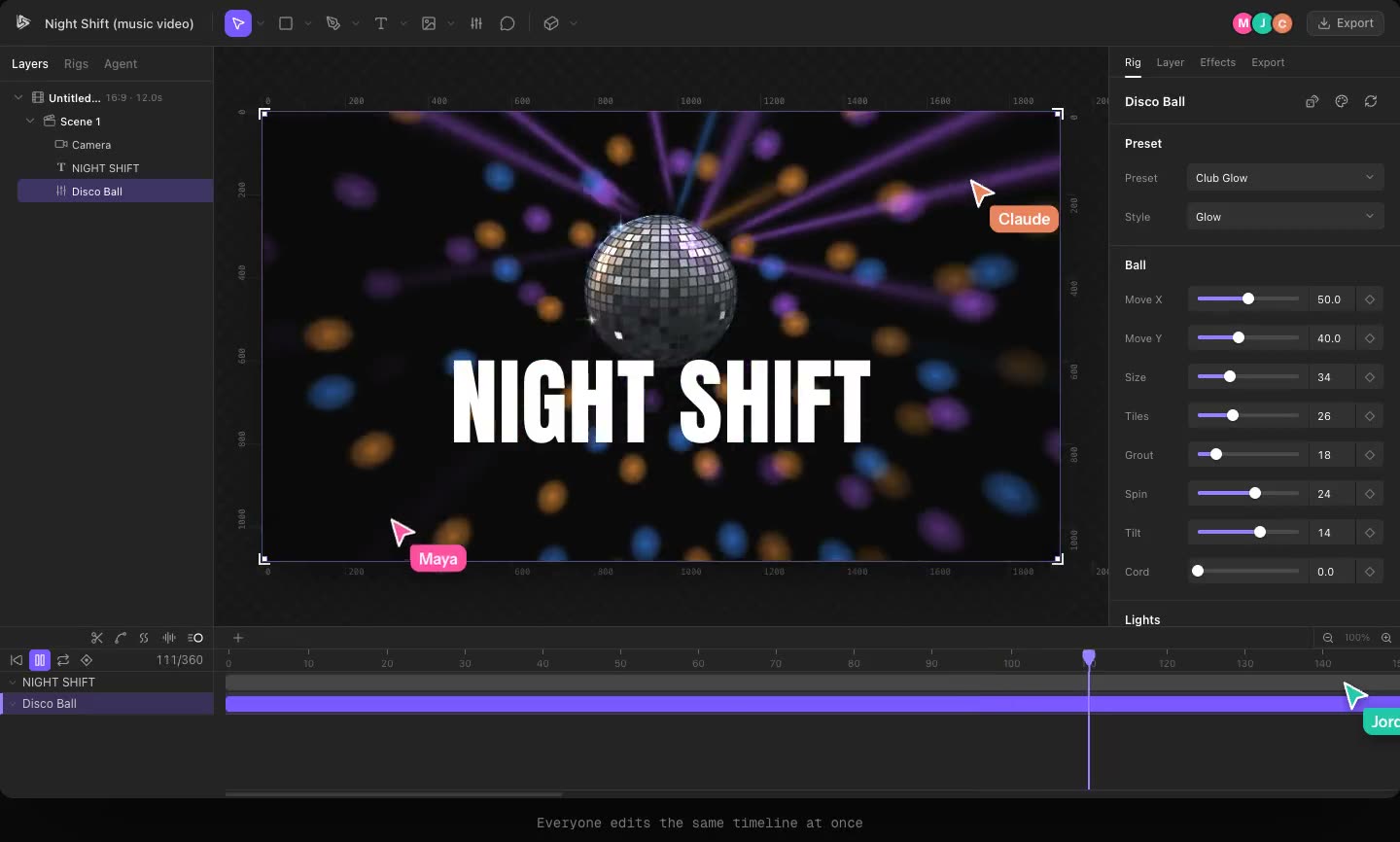
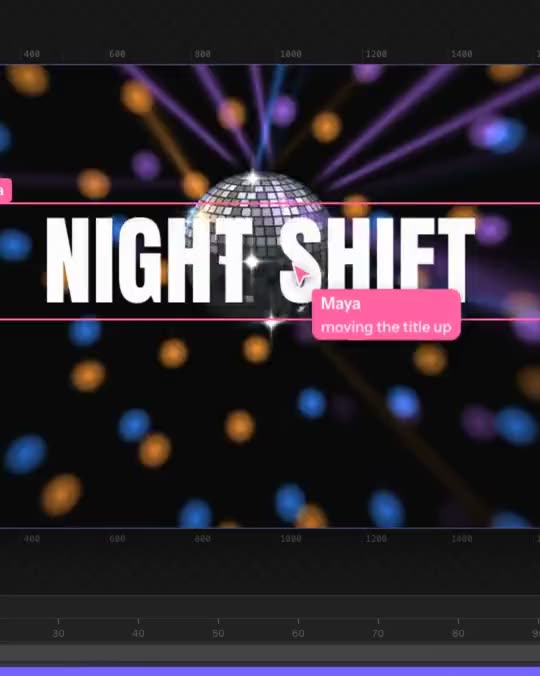
On the Create page, press Spotify Canvas and pick your song. Kubrick analyses it, offers a section around the drop of 8, 6 or 4 seconds in whole bars, and builds a 9:16 loop with the visuals moving to that part of the song. The camera holds still and the look stays on one steady section, because a Canvas that changes its mind every two seconds is tiring to watch on repeat.
Three ways to loop
In the Loop section of the composition panel (click an empty part of the canvas):
- Hard cut: the clip simply starts again. Simple and honest.
- Rebound: the picture plays forward, then backward, so it always meets itself.
- Perfect: the last frame runs straight into the first, with no crossfade. Kubrick snaps every rig's motion to whole cycles inside the loop and wraps the song's hits around the seam, so a kick still ringing at the end carries over into the start.
If something in the project can't loop perfectly (footage, or a keyframe that ends somewhere different from where it started), Perfect is greyed out and tells you which layer and why. When you start from the Spotify Canvas chip, Kubrick keeps rolling until it finds a look that loops perfectly, and falls back to Rebound if it can't.
Export
Tick Spotify Canvas: export without sound in the same section. The song stays in the project so the rigs can still hear it, but the exported MP4 is silent. Kubrick also warns you if the size or length is outside Spotify's limits.
Try it in Kubrick
Start free trial