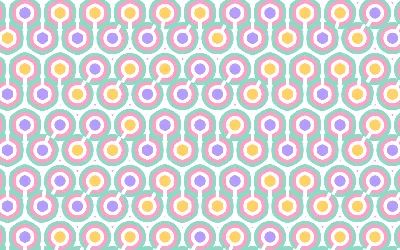
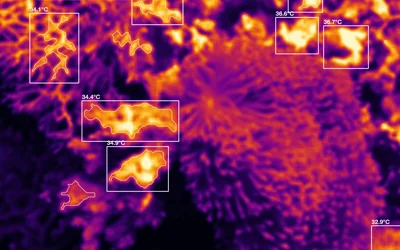
Put your logo inside a rig: tunnels, blooms and lava drawn as your mark
Upload a logo to a Kubrick rig and the rig draws with it, from a ring tunnel where every ring is your mark to lava that fills your logo.
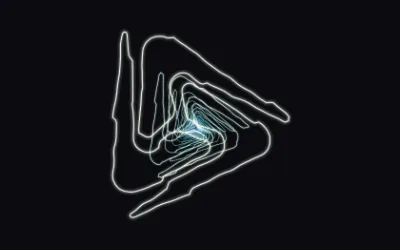
A logo sitting on top of a visual looks pasted on. A logo the visual is made of looks designed. Several Kubrick rigs can now draw with your logo itself.
How it works
Upload your logo as an SVG (EPS and DXF work too) in the rig's Your logo section. Kubrick traces its outline once, keeping holes and letter shapes, and stores the trace in the project so exports draw exactly what you see in the editor. A logo on a plate, like a white mark on a square, is traced against the plate so you get the mark, not the square.
Then each rig uses it in its own way:
- Ring Tunnel: every ring of the tunnel is your logo, bending with the music and flying toward the camera
- Core: the centre is your logo and the rings follow its outline
- Bloom: your logo is the flower centre and flowers bloom along it
- Meta Blob: the lava fills your logo
- Cosmic: your logo in the Cosmic gradient
Most of them have a logo preset to start from.
In Music visuals
Music visuals has a slot for your logo too. Once it's set, rolls often build the clip around a tunnel of your mark, so a label, a brand or an artist gets a visualizer that's clearly theirs.
Tips
- Simple, bold marks read best. A long wordmark gets thin when it's traced, so try your symbol on its own first.
- Pair a logo tunnel with Randomize colours to try your brand palette against a few others quickly.
Try it in Kubrick
Start free trial