Drop in a folder of clips and a song, get a beat-cut edit
Kubrick's footage edit takes a folder of video clips and a track, picks the best moments, cuts on the beat and hands you an editable timeline with rigs on top.
You came back from a trip, a show or a shoot with a folder of clips. Kubrick can turn that folder into an edit, cut to music, without you scrubbing through every file.
How to use it
On the Create page, drop a folder of clips (or pick two or more video files). Before it cuts anything, Kubrick asks a few quick questions, each with a sensible default:
- Where is it going? Vertical or widescreen, unless your footage is clearly one or the other.
- Which clips to leave out? It measures your footage and flags clips that will hurt the edit: very dark, shaky all the way through, too short, or blown up more than twice their size. Keep them or drop them.
- How should it feel? It looks at your footage and suggests two or three directions written for it, plus Surprise me.
What you get
Several moments from each clip, in an order with a hero shot and a closer. Every cut lands on the song's beat, and the pace picks up drop by drop. Clips shot at 50 fps or more play in slow motion in the quiet parts. A title exits on a hit, place names come in as tags, and the whole thing gets a grade, a little mist and grain.
You also get looks built from the edit, as tabs you can switch between: the intro playing inside giant title letters, a Type Grid that re-slices the edit on every kick, a grid poster on the drops, or the whole film printed as a duotone halftone.
Then keep editing
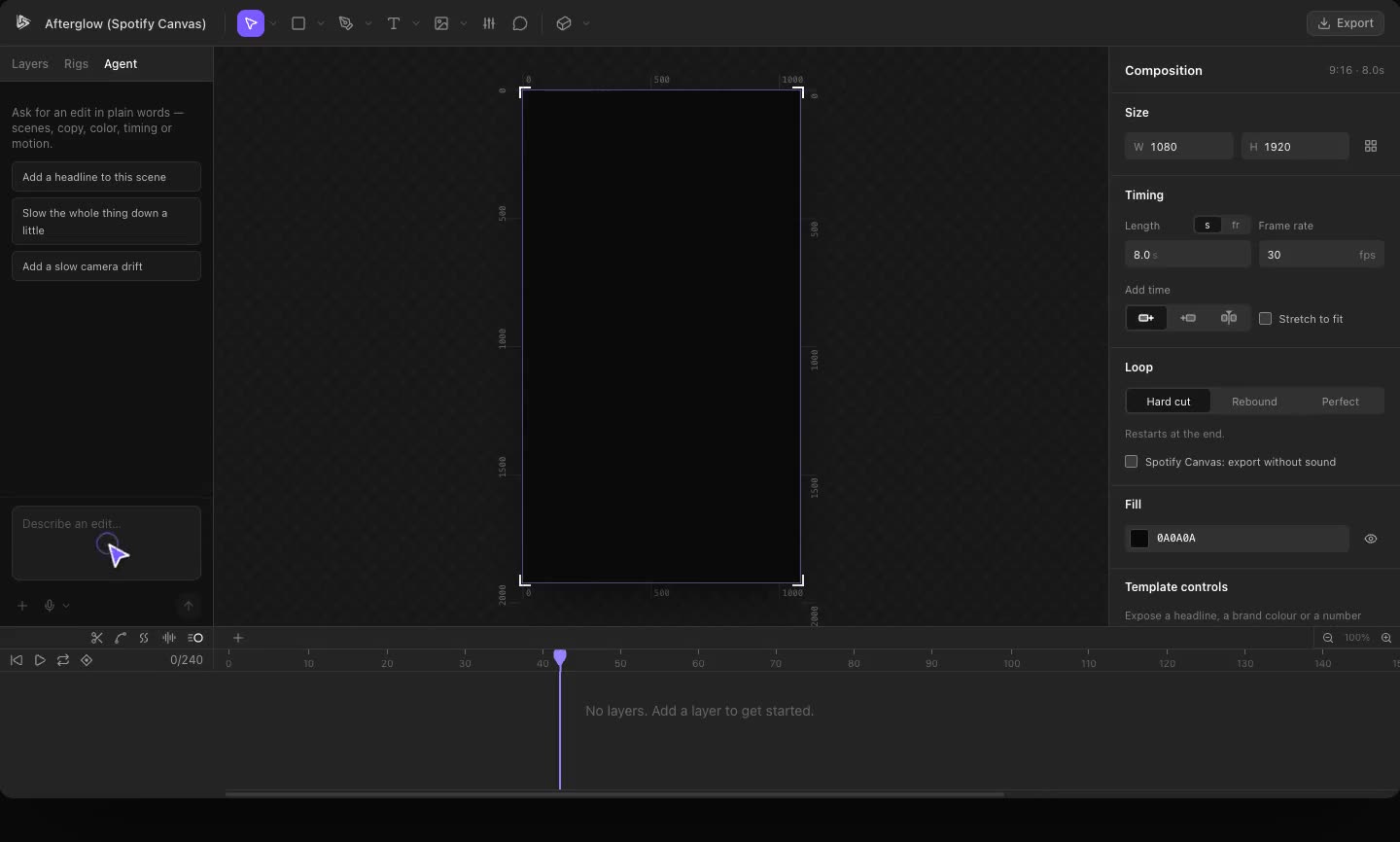
It's a normal Kubrick timeline. Trim a clip, swap the song, drag a rig over a shot, or ask the agent for a slower cut.
Try it in Kubrick
Start free trial