3D Studio: a full 3D workspace one click away from your video
A Video | 3D Studio switch in the top bar opens a 3D workspace with an object list, render settings and a guided tour, and the scene plays in your video as a layer.
Some shots want more than a flat layer. You want to place objects, light them and pick a camera. The top bar now has a Video | 3D Studio switch for that. Video is the editor you know. 3D Studio swaps in a workspace built for 3D.
How it works
Your project gets one 3D scene. It stays a layer in the video, so titles and footage can sit over it, and it plays on the timeline like anything else. Click 3D Studio and the scene opens. If the project has none yet, one is made for you. Click Video to go back.
The workspace has an Objects panel listing everything in the scene, with a Hide and a Lock button on each row. Number fields set where things sit and how they turn, and gizmos let you drag them in the viewport. A View menu switches between the render camera, Perspective, Top, Right, Front and Four views, and a Display menu changes how the scene is drawn while you work. Moving your working view never changes the video.
Toon shading and ink lines
Pick the Toon material for flat bands of light and shadow. In the Render settings panel, the Finish tab has an Ink lines group that draws outlines around your objects, with colour and width settings. The Output tab holds shadows.
Bring your own model
The Model node imports a .glb or .gltf file. For a .gltf, pick it together with its .bin and texture files.
How to use it
- Click 3D Studio in the top bar.
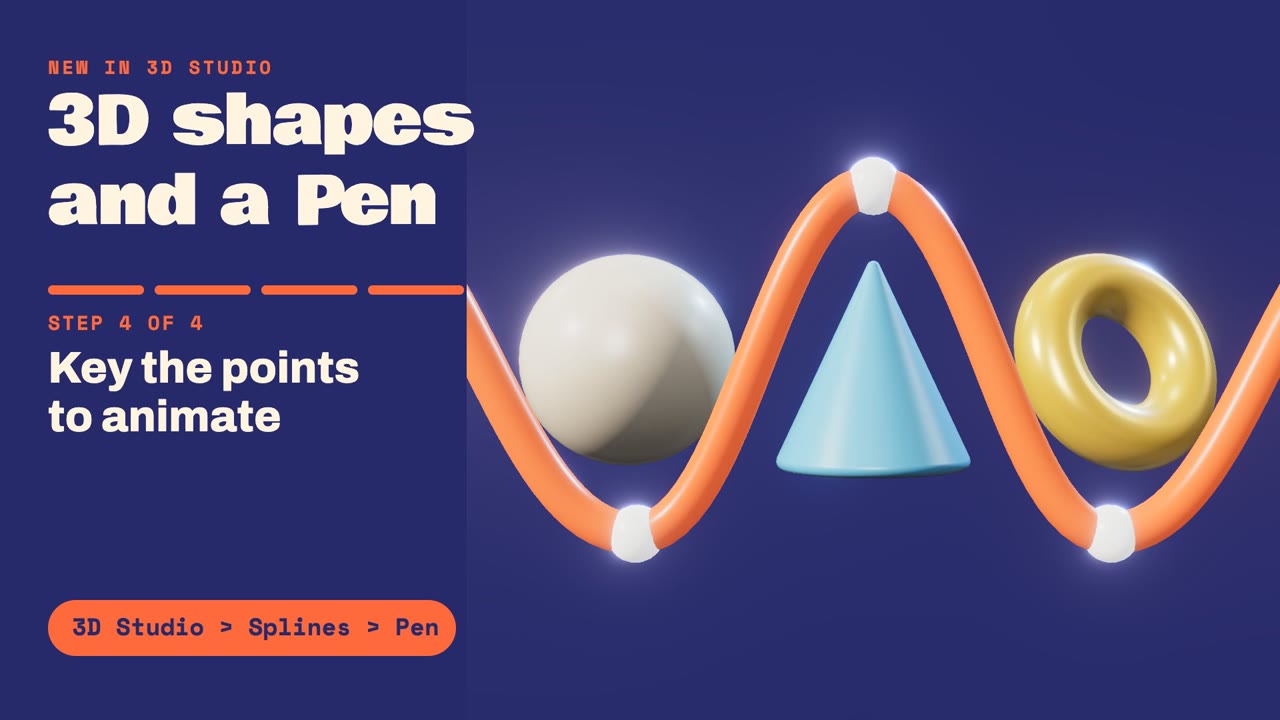
- Add an object from the toolbar or the add menus. The toolbar has Box, Cylinder, Sphere, Torus, Cone, Plane and Capsule.
- Select it in Objects and set its numbers, or drag its gizmo.
- Open Render settings and try Finish, then Ink lines.
- Click Video and put a title over it.
New to 3D? Open the menu with the Grid and Lens blur toggles, at the top of the viewport, and choose Guided tour. It walks you through the editor and checks off each step as you do it.
Ideas
- A product on a plain floor, toon shaded with ink lines, and your tagline over the top in Video.
- A looping set of tumbling shapes behind a lower third.
- A .glb of your logo or a mug, lit and framed by your own camera.
Try it in Kubrick
Start free trial