3D shapes and a Pen: more solids to start from, and splines you draw by hand
The 3D Studio add menus now hold spheres, cylinders, cones, tori, planes, discs, capsules, tubes, pyramids and polyhedra, and a Pen that draws curved paths point by point.
A 3D scene starts with something to look at. The 3D Studio now has a full set of basic solids to start from, and a Pen for drawing your own paths in space.
The shapes
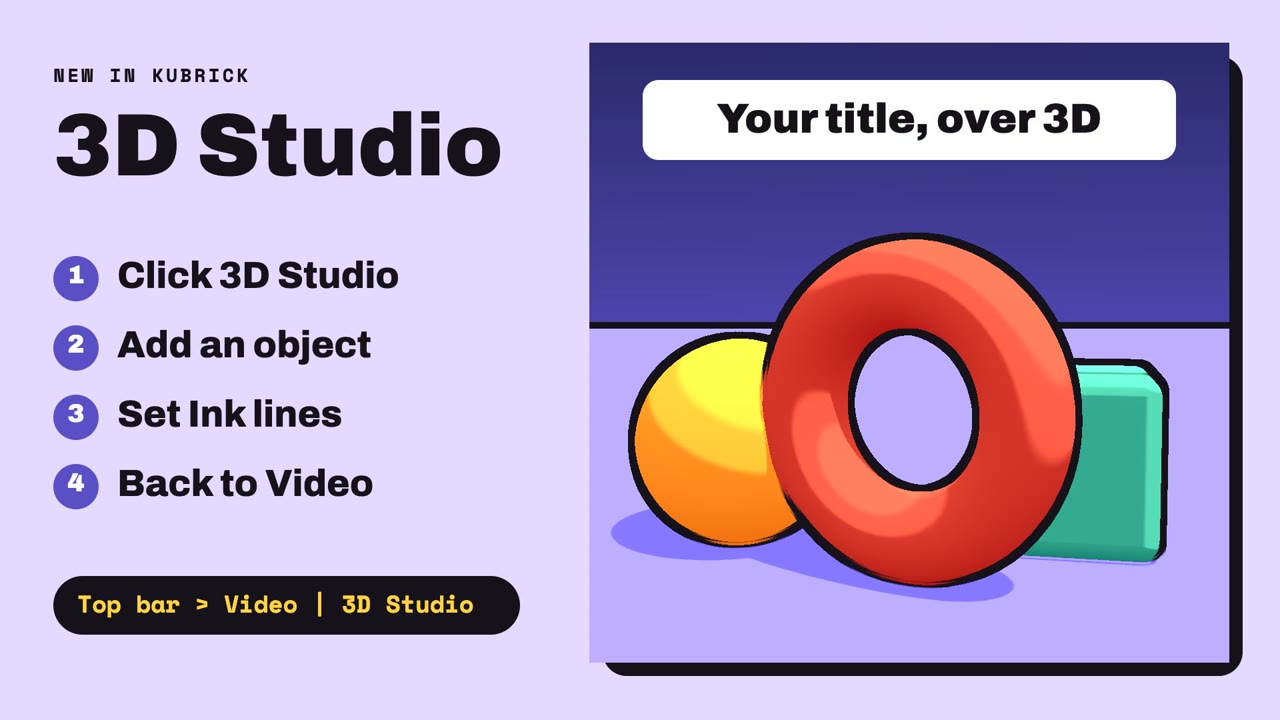
Open the Objects menu in the 3D Studio and you will find Cube, Sphere, Cylinder, Cone, Torus, Plane, Disc, Capsule, Tube, Pyramid and Polyhedron, plus a Null for grouping. Each one is a real object in the scene, so you can move it, turn it, give it a material and key any of its settings over time.
The Polyhedron has a Solid setting with five choices: Tetrahedron, Hexahedron, Octahedron, Dodecahedron and Icosahedron.
The Pen
Open the Splines menu and choose Pen. Click in the viewport to start a path. A click makes a corner and a drag pulls out a curve. Click the far end to close the path, or press Esc to end it.
Once a path exists, a small bar shows how many points it has. From there:
- Edit points and Done switch point editing on and off (P).
- New path starts another path beside this one.
- Close or Open joins or parts the two ends.
- Corner and Smooth take the handles away or put them back on the selected points.
- Reverse runs the path the other way.
- Key records the selected points at the playhead, so the path can change shape over time.
The Pen also has a Spacing setting, Natural or Even length, for anything that reads the path.
Text as a spline
The Text entry in the same Splines menu draws words as closed outlines. Bake outline stores those outlines on the layer from the font you pick, and the open panel runs it again whenever the words or the font change. Last bake tells you what happened.
How to use it
- Open the 3D Studio and pick a shape from Objects.
- Open Splines, choose Pen, and click out a path.
- Press Done, then adjust points with Corner and Smooth.
- Use Key at two different frames to animate the path.
Ideas
- A Torus and a Sphere side by side for a simple still.
- A Pen path drawn as a looping line, keyed at two frames so it changes shape.
- A word from Text, baked to an outline.
- A row of Pyramids for a skyline.
Try it in Kubrick
Start free trial