Ray Sketch: black and white 3D worlds that look drawn in a sketchbook
The Ray Sketch rig draws moving 3D worlds as black and white ink sketches, with seven presets, a camera you can orbit, your own ink and paper colours, and flares that hit on the beat of a song.
Some of the best looking animation is a pen drawing that moves: a stair that winds down forever, a street that curls round a giant donut. The Ray Sketch rig builds worlds like that for you and draws them as ink on paper, then lets you fly the camera through them.
How it works
Each world is a small 3D scene that is drawn fresh on every frame, so nothing is a pre-made clip. The scene is shaded in two tones, ink for empty space and the far distance, paper for the near, lit surfaces. That is why every preset looks like a sketchbook page, and why you can swap the two colours for anything you like.
Seven presets
- Chain Spell: three glassy spell bands twisting round a carved core, with a ring of chains breaking apart
- Demon Soul: tangled glassy spells of tube cages and disks between a floor and a ceiling
- Library Stairs: looking down an endless round library well, with a spiral stair and pages falling
- Curled Town: a street of window walls curling away round a giant donut
- Crypt Roots: a slow crawl through curling roots and vines, lit by cold and warm lamps
- Anaglyph: a kaleidoscope of blended balls as a red and cyan 3D pair
- Bubble Ring: a ring of pearls and corkscrew wires round a braided axis
How to use it
Open Rigs in the toolbar and add Ray Sketch (under Shaders). It starts as Library Stairs. In the panel, pick another world from Preset, or press the dice to roll one.
The World section has up to five sliders, and what they do depends on the world. In Library Stairs they set the steps, the wall shelves and the width of the well. Under Camera, Speed sets how fast the world moves, Orbit turns the camera round it, and Distance and Lens set how close you sit. Brightness and Contrast are under Look. Under Colour, change Ink and Paper. Anaglyph has Left eye and Right eye instead, plus Eye gap for how deep the 3D feels.
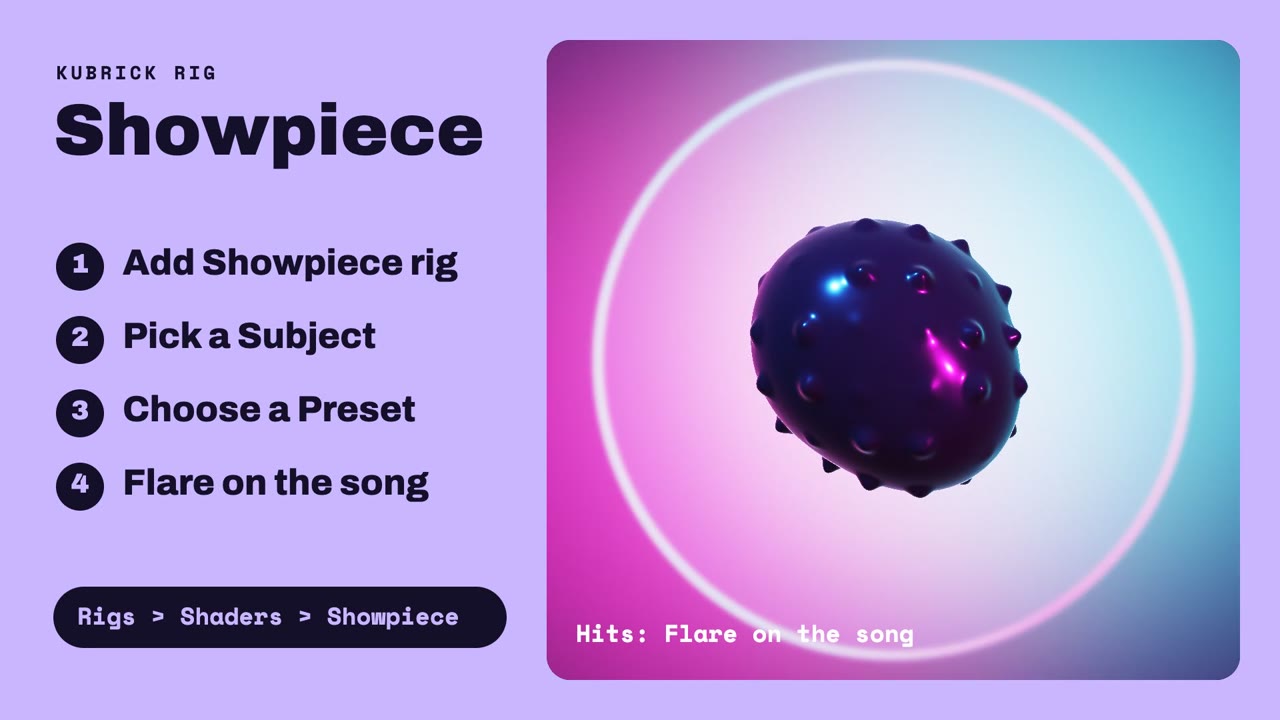
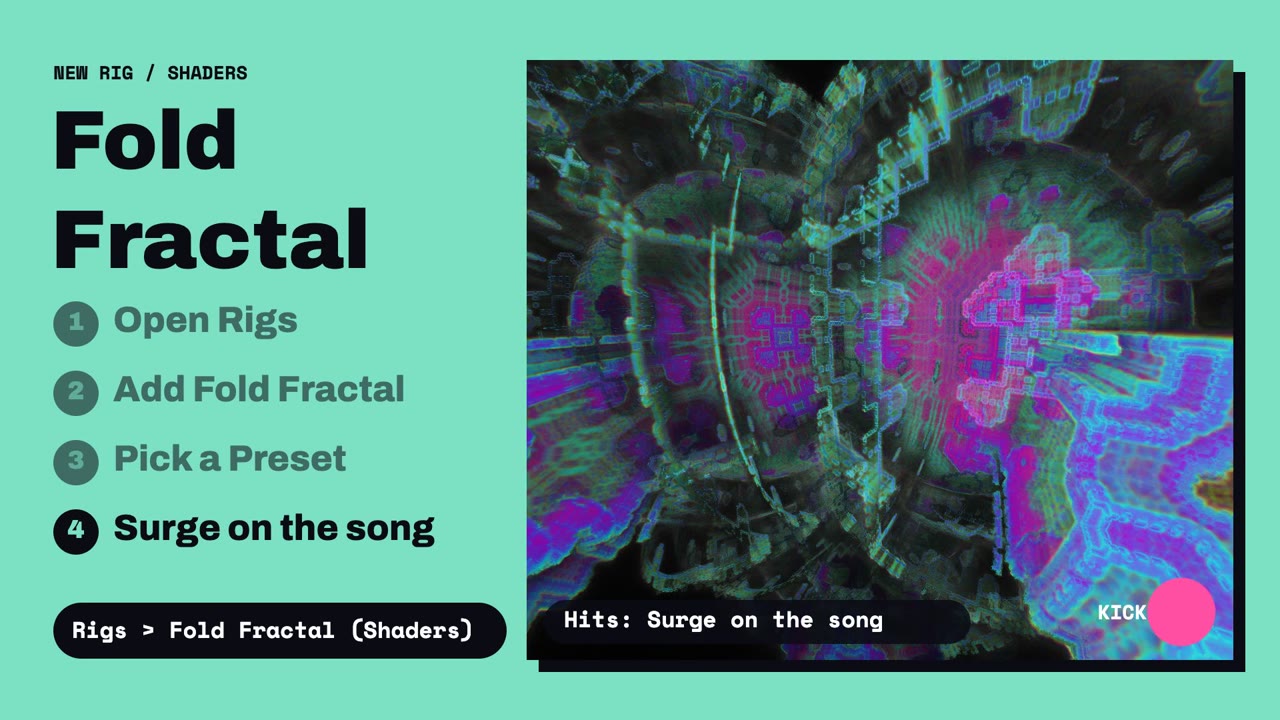
To tie it to music, open Hits, set Mode to Flare on the song, choose a song and a band under Flare on, then set Flare and Decay. Every slider can be keyframed.
Ideas
- A title sequence: Library Stairs with a slow Orbit and your title on top.
- A lyric video for a quiet song, with Crypt Roots flaring on the kick.
- A poster loop in your brand colours, by changing Ink and Paper.
- A 3D logo reveal with Anaglyph, shown to people wearing red and cyan glasses.
Try it in Kubrick
Start free trial