Arcs and rounded corners: pies, rings and soft-cornered stars
Ellipses now open into pies, rings and ring segments with Start, Sweep and Ratio, polygons and stars take a corner radius, and both can be dragged on the canvas and keyframed.
A plain ellipse can only be a full oval. A plain polygon or star has sharp points. Both now have the controls that turn them into the shapes designers reach for most: pies, rings, progress arcs and soft-cornered badges.
What changed
- Ellipses have an Arc section with three settings. Start sets where the arc begins, measured clockwise from the 3 o'clock position. Sweep sets how much of the ellipse is drawn, from 0% to 100%. Ratio cuts a hole in the middle: 0% is solid, and higher values make a ring.
- Polygons and stars take a Corner radius, so the points and corners round off instead of staying sharp.
Sweep and Ratio together give you a pie slice, a full ring, or a ring segment like a loading gauge.
Drag it on the canvas
Select the shape and small dots appear on it. On an ellipse, drag them to change the sweep and the ring hole. On a polygon or star, drag a corner dot to change the radius. The handles follow the shape as it moves, so they stay in the right place even while it animates. They hide while the clip is playing.
Animate it
Radius and arc values can be keyframed. Click the diamond next to Start, Sweep, Ratio or Corner radius, move the playhead and change the value. With auto-key on, dragging a dot on the canvas writes the keyframe for you. A sweep that grows from 0% to 100% draws a circle around something, and a radius that eases from 0 to a large value turns a sharp star into a soft blob.
How to use it
- Pick Ellipse (shortcut O), Polygon or Star in the toolbar and draw it.
- For an ellipse, open Arc in the Properties panel and set Start, Sweep and Ratio.
- For a polygon or star, set Corner radius in the Appearance row. The Sides or Points count, and the star's Ratio, are in the Polygon or Star section.
- Add keyframes with the diamonds, or drag the dots on the canvas.
Ideas
- A progress ring that fills as the clip plays, with Sweep keyframed from 0% to 100%.
- A pie chart slice that swings open on the beat.
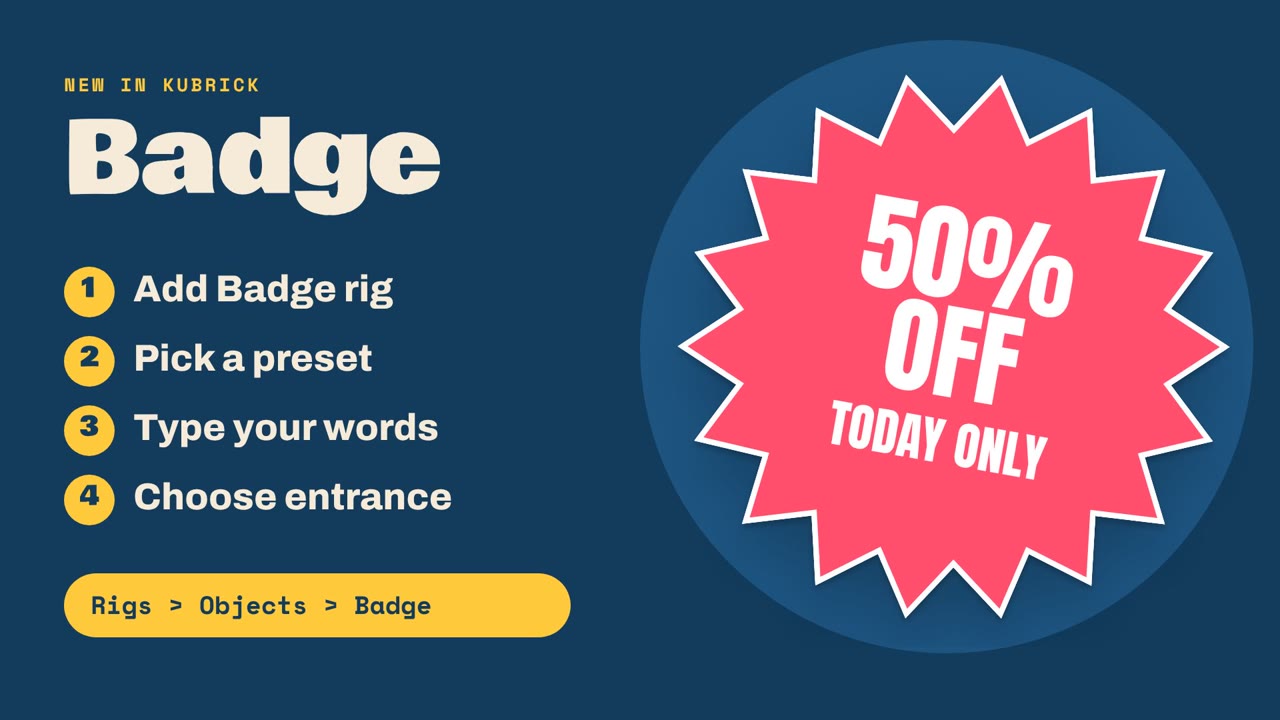
- A star badge whose points start sharp and ease into round corners.
- A ring with a thick Ratio spinning by animating Start.
Try it in Kubrick
Start free trial