Animate a photo: turn a still into a short clip with a slow camera move
Select an image layer, pick a camera move and a length, and Kubrick turns the photo into a 5 or 10 second video clip, with Push in as the safest default.
Sometimes the only footage you have is a photo: a finished interior, a storefront, a plate of food. Kubrick can now turn that photo into a short video clip with a slow camera move, so an ad gets motion without a shoot.
How it works
You pick one of five camera moves and a length. Kubrick sends the photo to an AI video model, which makes the clip and returns it. The photo layer becomes a video layer in the same spot, with the same timing and position, and it keeps the original photo so you can go back.
The moves differ in how much the model has to make up:
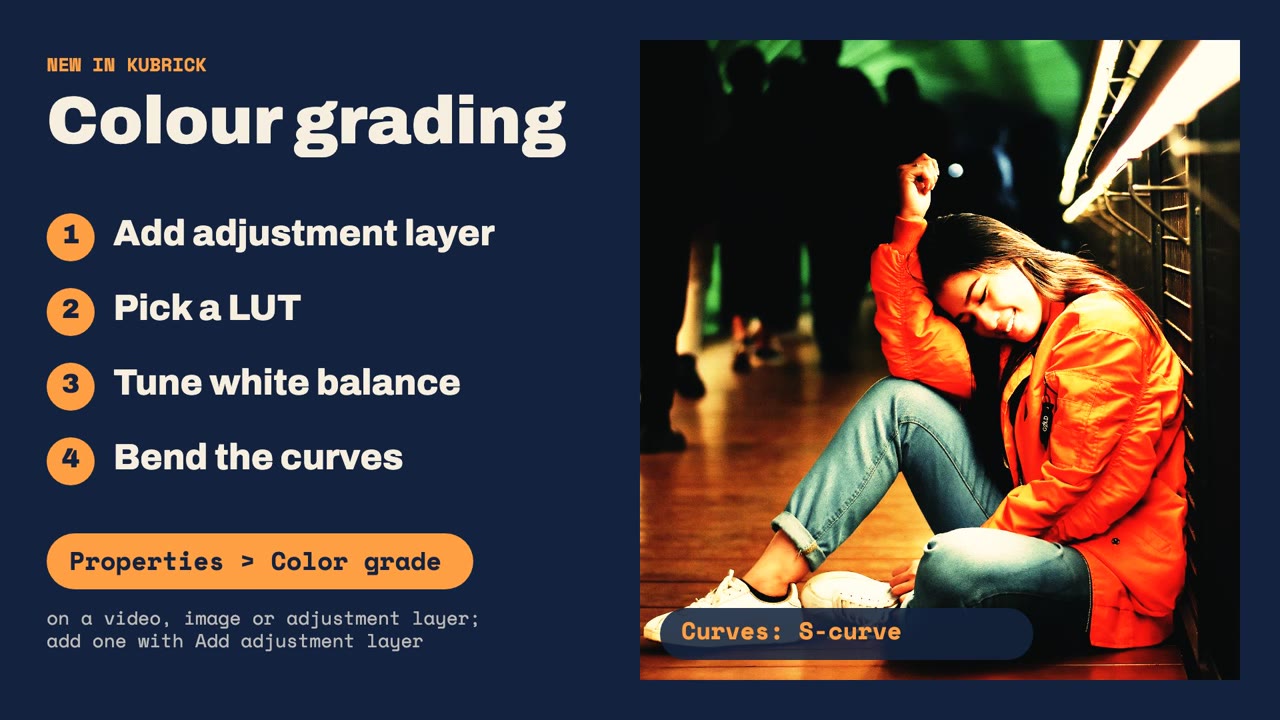
- Push in: a slow move toward the subject. The model has the least to make up, so this is the default and the safest choice for real work. Small movements can still slip in: in the clip above, the raised arm shifts a little.
- Pull out: a slow pull back. It shows a little more than the photo, made up at the edges.
- Drift left and Drift right: a sideways slide with a sense of depth. The edge it moves toward is made up.
- Rise: the camera lifts slowly. The top edge is made up.
The prompt also asks for a still scene: nothing in it should move, no people should appear, and every object should keep its shape, colour and place.
How to use it
Select an image layer and open its Properties. In the Animate section, choose a camera move, then a length of 5 s or 10 s. The button shows the cost: Animate photo is 88 credits for 5 seconds and 175 credits for 10 seconds.
Click Animate photo. It usually takes 1 to 3 minutes, sometimes up to 6, and you can keep working while it runs. When it finishes, the layer is a video clip. The Animate section then says it was animated from a photo, with a Restore photo button that puts the still back.
The section appears for a single image layer. It is not shown for textures or when several layers are selected.
Ideas
- A finished room from a client, as a slow Push in behind the headline.
- A storefront photo that opens an ad, with Drift right under the logo.
- A product shot with Pull out, then a hard cut to the price.
- A 10 second Push in as a calm background under a long voiceover.
Try it in Kubrick
Start free trial